
- 1 1. Introduction
- 2 2. What Is the “Access Denied for User” Error?
- 3 3. Main Causes
- 4 4. Solutions
- 5 5. FAQ (Frequently Asked Questions)
- 6 6. Summary
1. Introduction
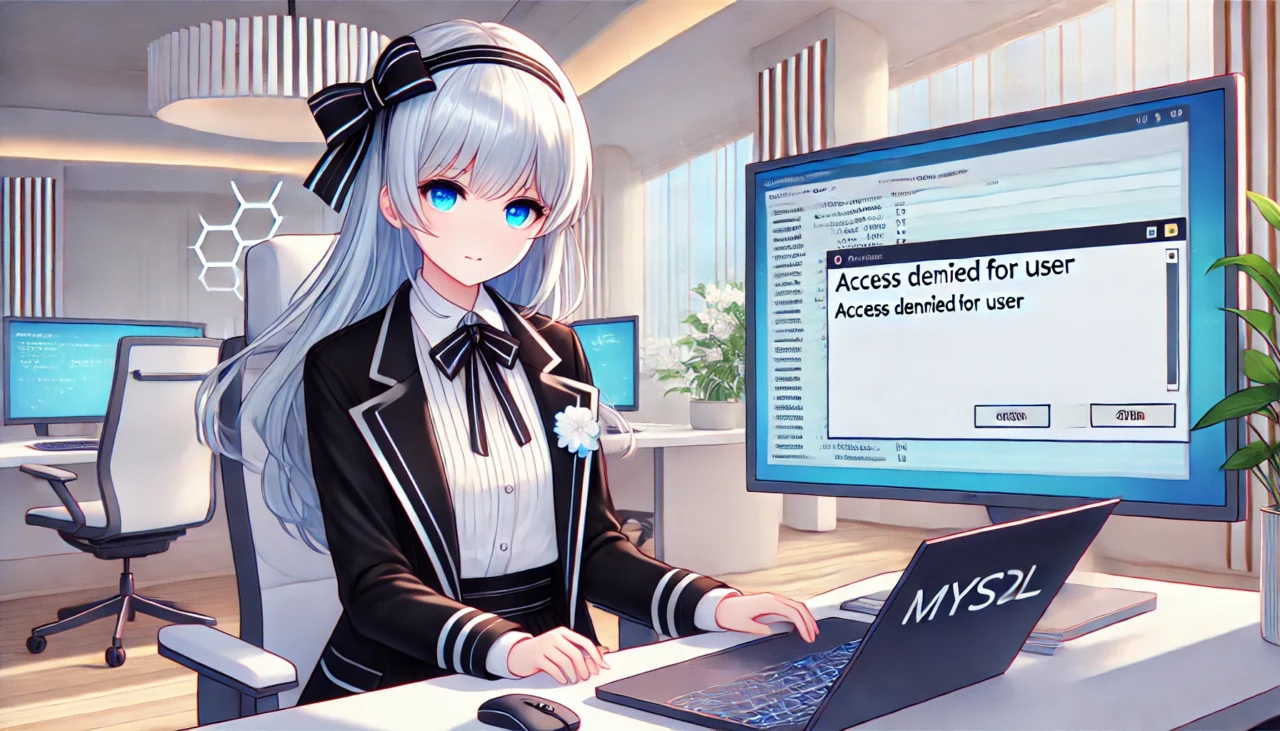
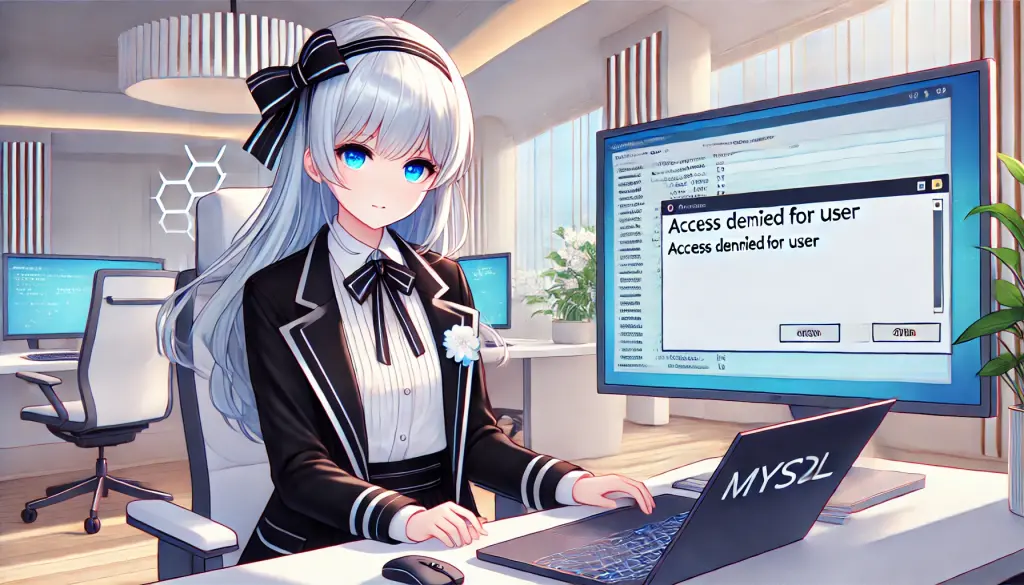
The “mysql access denied for user” error is a common issue frequently encountered by MySQL users. This error means that access to the database has been denied, and proper configuration or permission settings are required.
What You Will Learn in This Article
- You will understand the causes of the error and be able to apply the appropriate solutions.
- You will learn efficient methods for configuring MySQL settings and managing users through beginner-friendly step-by-step instructions.
Target Audience
- Beginners who have just started using MySQL
- Intermediate users struggling with error troubleshooting
- Engineers who want to understand the root cause of the issue
This article comprehensively explains the error details, causes, solutions, and prevention strategies.
2. What Is the “Access Denied for User” Error?
Meaning of the Error Message
The “Access denied for user” error in MySQL occurs when authentication fails. The general format of this error is as follows:
ERROR 1045 (28000): Access denied for user 'username'@'hostname' (using password: YES)Important Parts of the Error
'username': The MySQL username causing the issue'hostname': The host attempting to connect (e.g., localhost, IP address)(using password: YES): Indicates password authentication is being used
This error is typically caused by problems related to user authentication or permissions.
Common Situations Where the Error Occurs
This error often occurs in the following cases:
- Immediately after creating a new user
It occurs when permissions are not properly configured. - Incorrect application connection information
Especially when outdated stored credentials are being used. - Host restrictions are configured
Connections from unauthorized hosts are rejected.
Beginner-Friendly Explanation
The “host” refers to the device or server attempting to connect to MySQL. For example, localhost refers to the current computer you are working on.
3. Main Causes
Incorrect Username or Password
The most common cause is an incorrect username or password.
Common Mistakes
- Incorrect credentials are written in the configuration file.
- The application is using outdated credentials.
How to Check
Use the following command to verify that you can log in with the correct username and password.
mysql -u username -pWhen prompted, enter the correct password. If it is incorrect, login will fail.
Insufficient User Privileges
In MySQL, access permissions are configured per user. If privileges are insufficient, access to the database will be denied.
How to Check Privileges
Use the following command to check the user’s privileges:
SHOW GRANTS FOR 'username'@'hostname';If the necessary privileges are not granted, you must assign the appropriate permissions.
Host Name Mismatch
In MySQL, users may be configured to allow connections only from specific hosts (e.g., localhost, IP address). If the host name does not match, the connection will be rejected.
How to Check Host Settings
SELECT Host, User FROM mysql.user WHERE User = 'username';This command displays a list of hosts allowed for the specified user. If your current host is not included, the connection will be denied.
MySQL Configuration Issues
Problems in the MySQL configuration file (usually my.cnf or my.ini) can also cause this error. In particular, the bind-address setting may affect connectivity.
How to Check the Configuration
Open the configuration file and check the bind-address setting.
bind-address = 127.0.0.1In this case, remote connections are not allowed, so external access will be rejected.
If you want to allow remote connections, change it to bind-address = 0.0.0.0 and restart MySQL.
4. Solutions
Verify Username and Password
First, confirm that your current credentials are correct.
Procedure
- Run the following command and attempt to log in with the correct username and password.
mysql -u username -p- If you cannot log in even with the correct password, you need to reset the password.
Reset the Password
SET PASSWORD FOR 'username'@'hostname' = PASSWORD('new_password');Configure User Privileges
Check whether the necessary privileges are configured, and grant them if they are missing.
Check Privileges
SHOW GRANTS FOR 'username'@'hostname';Grant Privileges
GRANT ALL PRIVILEGES ON database_name.* TO 'username'@'hostname';
FLUSH PRIVILEGES;
This grants all privileges to the user and applies the changes.
Modify Host Name Settings
If the error is caused by host restrictions, configure the appropriate host settings.
Check Host Settings
SELECT Host, User FROM mysql.user WHERE User = 'username';Update Host Settings
UPDATE mysql.user SET Host='%' WHERE User='username';
FLUSH PRIVILEGES;
Specifying % allows connections from all hosts. However, because this can introduce security risks, it is recommended to specify a particular IP address when possible.
Modify MySQL Configuration
Edit the configuration file (my.cnf or my.ini) to properly configure connection restrictions.
Edit the Configuration File
For Linux:
sudo nano /etc/mysql/my.cnfFor Windows:
C:\ProgramData\MySQL\MySQL Server X.X\my.ini(X.X varies depending on your MySQL version)
Check the bind-address Setting
bind-address = 127.0.0.1This setting allows connections only from localhost. To enable remote connections, change it as follows:
bind-address = 0.0.0.0Restart MySQL to Apply Changes
sudo systemctl restart mysqlOr (for Windows):
net stop MySQL
net start MySQL
Using these methods, you can resolve most “Access denied for user” errors. Next, let’s review frequently asked questions (FAQ).
5. FAQ (Frequently Asked Questions)
Q1: What should I do if the error does not go away?
A1: Check the error logs.
To identify the cause of the error, reviewing the MySQL error logs is effective.
For Linux
sudo cat /var/log/mysql/error.logFor Windows
The default error log path is one of the following:
C:\ProgramData\MySQL\MySQL Server X.X\error.logReview the logs and address the issue based on the specific error message.
Q2: Why does the error occur for a specific user only?
A2: It may be caused by the user’s host settings or privileges.
Check the privileges of the relevant user with the following command:
SHOW GRANTS FOR 'username'@'hostname';Also verify whether the host configuration is correct:
SELECT Host, User FROM mysql.user WHERE User = 'username';If the host setting is incorrect, modify it appropriately:
UPDATE mysql.user SET Host='%' WHERE User='username';
FLUSH PRIVILEGES;
Q3: How can I reset the password if I forgot the login information?
A3: Start MySQL in safe mode and reset the password.
For Linux
sudo systemctl stop mysql
sudo mysqld_safe --skip-grant-tables &
mysql -u root
Then reset the password using the following command:
UPDATE mysql.user SET authentication_string=PASSWORD('new_password') WHERE User='root';
FLUSH PRIVILEGES;
EXIT;
Restart MySQL:
sudo systemctl restart mysqlFor Windows
- Open Command Prompt as administrator and start MySQL in safe mode.
net stop MySQL
mysqld --skip-grant-tables- In another Command Prompt window, connect to MySQL and reset the password.
mysql -u root
UPDATE mysql.user SET authentication_string=PASSWORD('new_password') WHERE User='root';
FLUSH PRIVILEGES;
EXIT;- Restart MySQL.
net start MySQLFollowing this procedure allows you to reset a forgotten password.
This FAQ section addressed what to do if the error persists and answered common questions. Finally, let’s review the summary.
6. Summary
This article provided a detailed explanation of the “Access denied for user” error in MySQL. This error is commonly caused by incorrect authentication credentials, insufficient privileges, incorrect host configuration, or MySQL configuration mistakes.
Key Points of This Article
- Identify the Cause of the Error
- Check whether an incorrect username or password is being used.
- Verify privileges with
SHOW GRANTS FOR 'username'@'hostname';. - Check host settings using
SELECT Host, User FROM mysql.user WHERE User = 'username';.
- Apply the Appropriate Solution
- Reset the password using the
SET PASSWORDcommand. - Fix privileges using the
GRANT ALL PRIVILEGEScommand. - Modify the
bind-addresssetting appropriately to allow remote connections.
- If the Issue Persists, Check the Error Logs
- Linux:
/var/log/mysql/error.log - Windows:
C:\ProgramData\MySQL\MySQL Server X.X\error.log
Best Practices to Prevent Recurrence
- Proper User Management
- Assign appropriate privileges to each user and remove unnecessary users.
- Clarify Host Configuration
- Avoid allowing access from all hosts (e.g.,
'%') unless necessary, as it poses security risks. Restrict access to specific hosts whenever possible. - Perform Regular Backups
- Use
mysqldumpregularly to prevent issues caused by configuration mistakes.
Final Thoughts
The “Access denied for user” error may seem difficult for beginners, but by following the procedures in this article, most issues can be resolved. If the problem persists, review the error logs and recheck your configuration and permissions.