1. Introduction
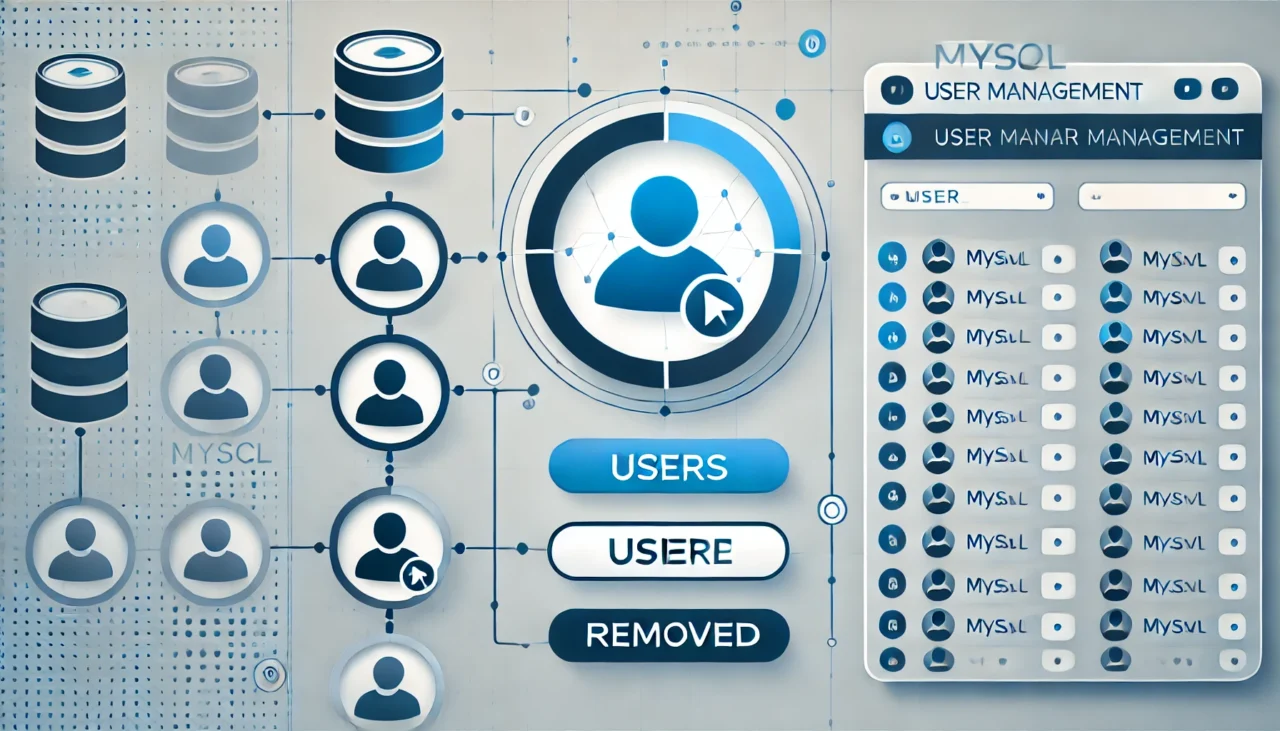
MySQL is widely used by developers among database management systems, and there are times when it becomes necessary to remove users who are no longer needed. This article explains step-by-step how to delete a user in MySQL, including important precautions and the actual commands used in the process.
2. Basic Knowledge of Deleting Users
To delete an unnecessary user in MySQL, you use the DROP USER statement. By executing this command, you can completely remove a specific user account from the database.
Syntax of the DROP USER Command
DROP USER 'username'@'hostname';username: The name of the MySQL user you want to deletehostname: The host from which the user accesses MySQL. Typically,localhostis specified.
For example, if a user named user1 accesses from the localhost host, you can delete the user as follows:
DROP USER 'user1'@'localhost';Using this basic syntax, you can completely remove unnecessary users from the database.

3. Steps to Delete a User
When deleting a user in MySQL, follow these steps in order. Below is a detailed explanation of the entire process, from checking the user to completing the deletion.
3.1 Checking Existing Users
Before deleting a user, verify the current user list. Use the following SQL command to display the list of current MySQL users and their associated hosts.
SELECT user, host FROM mysql.user;This allows you to confirm the user you want to delete. Since multiple users can share the same name, it is important to also verify the host information.
3.2 Deleting a User
After confirming the user to delete, execute the DROP USER statement. For example, if a user named user1 accesses from localhost, delete the user as follows:
DROP USER 'user1'@'localhost';You can also delete a user without specifying a hostname. In that case, access from all hosts will be removed.
DROP USER 'user1';This command removes access for user1 from all hosts.
3.3 Deleting Multiple Users
If you need to delete multiple users at once, separate them with commas as shown below.
DROP USER 'user1'@'localhost', 'user2'@'localhost';In this way, multiple users can be removed simultaneously.
4. Important Notes When Deleting Users
There are several important considerations when deleting users.
4.1 Take a Backup Before Deleting
If you accidentally delete the wrong user, database access privileges may be lost, potentially causing serious issues for your applications. Therefore, it is strongly recommended to back up your database before performing any deletion.
4.2 What to Do If Deletion Fails
If the user is currently logged in to the database, the DROP USER statement may fail. In this case, you need to forcibly terminate the login session or wait for the user to log out.
SHOW PROCESSLIST;
KILL [PROCESS_ID];
This allows you to forcibly terminate a specific process.
5. How to Verify After Deletion
After deleting a user, it is important to confirm whether the deletion was successful. Run the following command again to check the user list.
SELECT user, host FROM mysql.user;This ensures that the deleted user no longer appears in the list.
6. Troubleshooting
If deletion does not work properly, several factors may be involved. Pay attention to the following points.
6.1 Insufficient Privileges
To delete a user in MySQL, administrative privileges (such as the root user) are required. If you do not have sufficient privileges, log in again with a user who has the appropriate permissions and try the deletion.
6.2 User Is Currently Logged In
As mentioned earlier, if the user is currently logged in, deletion may fail. In that case, terminate the corresponding process or wait until the user logs out.
7. Summary
Deleting unnecessary users in MySQL is important for improving database security and management efficiency. By correctly following the steps introduced in this article, you can easily remove unnecessary users. Regular user management and backups help prevent potential issues before they occur.